How to Evaluate an AI SEO Content Tool: Quality, Pricing and Editing Time (What to Check)
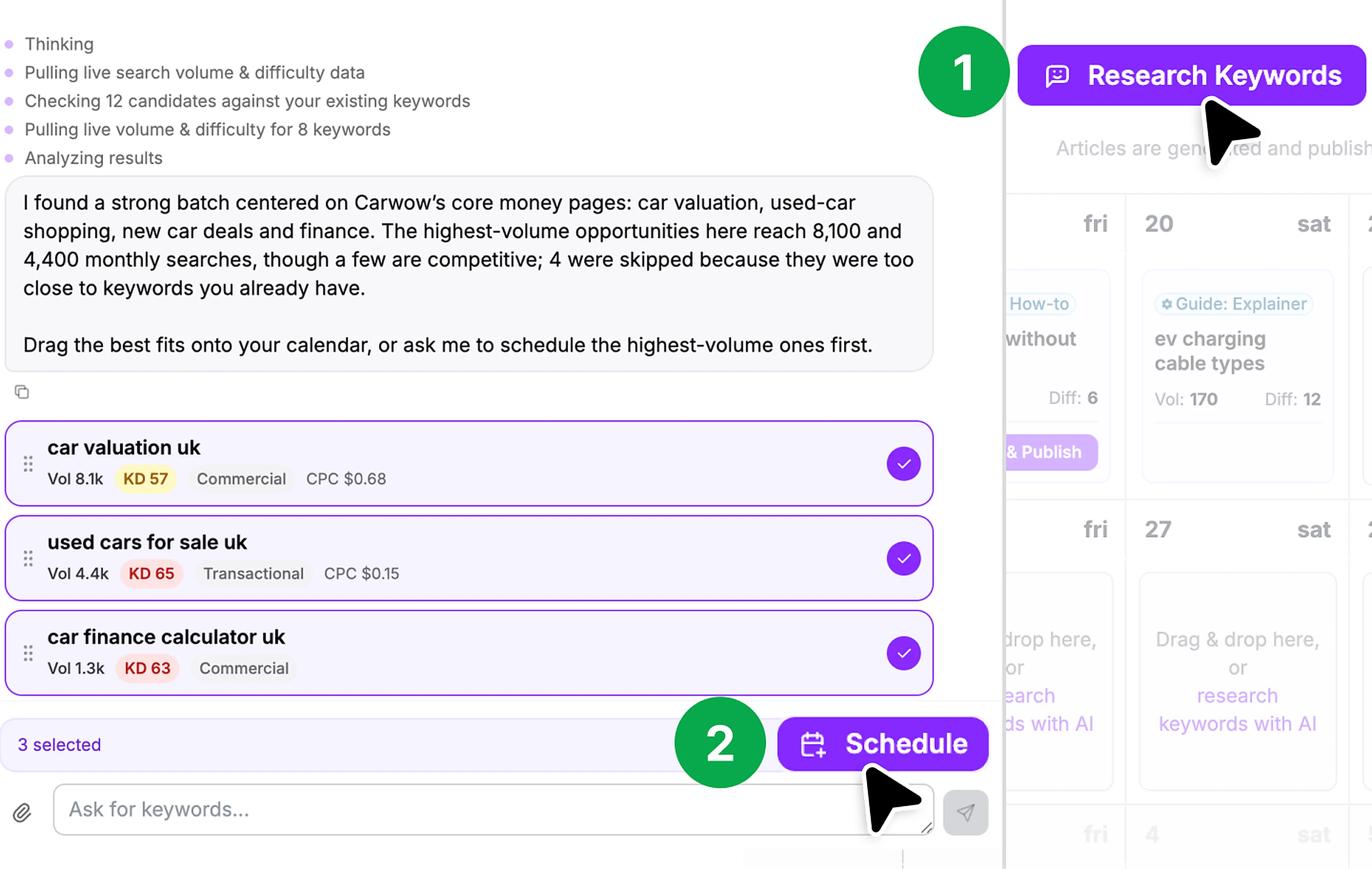
AI SEO content tools promise to research keywords, write articles and publish them for you, sometimes every day. Some are little more than a text generator with an SEO checklist; others plan topics, add images and links, and push posts straight to your website. The sticker price is only part of the cost: the real question is how much editing each article needs before you would put your name on it. This guide covers how to judge quality, compare pricing fairly and avoid the risks of publishing at scale.
Decide what you need the tool to do
List which parts of the content process you want help with, because tools split the work differently:
- Keyword research and planning: finding topics with search demand you can realistically compete for.
- Drafting: writing articles from a brief or a keyword.
- Optimization: headings, internal links, metadata and structure.
- Media: images, charts or embedded videos.
- Publishing: sending posts to WordPress, Shopify, Webflow or another platform, on a schedule.
- Links: some tools also offer backlink building or link exchanges.
A tool that does everything automatically is convenient, but you still need control over what goes live under your brand.
Judge quality with your own topics
Sample articles on a vendor's site are hand-picked. Use the free trial on three or four real topics from your niche, including one you know very well, and check:
- Accuracy: are facts, figures, product details and dates correct? Are sources cited, and do the links work and say what the article claims?
- Originality: does it add anything beyond what already ranks, such as your own data, examples, opinions or experience? Generic summaries rarely deserve to rank.
- Search intent: does the article answer what someone searching that phrase actually wants, or just repeat the keyword?
- Voice: does it sound like your business, and can it learn from your existing posts?
- Structure: clear headings, short paragraphs, and no padding or repetition.
- Risky claims: medical, financial, legal or safety statements that need expert review.
Measure editing time, not just articles per month
The most useful number is the total cost per publishable article, including your time. Time how long it takes to bring a trial article up to your standard: fact-checking, rewriting the introduction, adding your own examples, fixing links and replacing images. If a $99 plan gives 30 articles but each needs an hour of editing, the real cost includes 30 hours of someone's time. Sometimes fewer, better articles do more than a daily schedule.
Also check how editing works in the tool: can you rewrite a section with AI, edit by hand, preview before publishing and turn off auto-publish?
Compare pricing on equal terms
- Unit: are you buying articles, words, credits or seats? Convert everything to cost per article of the length you need.
- Included features: is keyword research unlimited or credit-based? Are images, rewrites and integrations included or add-ons?
- Add-ons: extra articles, human editing and link packages can cost far more than the base plan.
- Multiple sites: is pricing per site, and are there volume discounts?
- Billing and refunds: how long is the refund window, does it apply only to first-time customers, and is a yearly plan refundable?
- Watermarks: some trials mark articles so they cannot be published until you pay.
Understand the search-engine risks
As general guidance: Google says it rewards helpful, reliable content regardless of whether AI helped produce it, but its spam policies treat "scaled content abuse", meaning many pages produced mainly to manipulate rankings with little value for readers, as a violation. Its policies on link spam also cover link schemes, including excessive link exchanges and links placed mainly to pass ranking signals.
That means:
- Publish only articles you have reviewed and would be happy for a customer to read.
- Be cautious with automated backlink programs, especially ones that place links on your site in return for links to it, or that publish links without your approval. Read the vendor's terms on who carries the risk.
- No honest tool can guarantee rankings or traffic. Treat "results" pages and case studies as selected examples.
- Track performance in Google Search Console and prune or improve pages that do not earn impressions over time.
For an example of how one tool prices automated articles and add-ons and what its terms say about backlinks and guarantees, see our Outrank review.
Check integrations, rights and privacy
- Publishing: confirm it supports your platform, sets categories, featured images and meta descriptions correctly, and can save drafts rather than publish live.
- Content rights: do you own the output, and what license does the vendor take over content you upload?
- Image rights: are AI images or stock photos cleared for commercial use?
- Privacy: does the policy say whether your content trains AI models and how long it is kept?
- Exit plan: if you cancel, do published articles stay on your site, and can you export everything?
A quick checklist
- The parts of the content process you want automated, listed
- Trial articles tested on your own topics, including one you know well
- Facts, links and claims checked; originality and search intent judged
- Editing time per article measured, and true cost per publishable article worked out
- Pricing compared per article, including add-ons and per-site charges
- Auto-publish settings, previews and approvals understood
- Backlink features and who carries the search-engine risk reviewed
- No reliance on ranking or traffic guarantees
- Integrations, content rights, image rights and privacy policy checked
- Refund window, renewal date and export options noted