How to Choose an AI Note-Taking Tool for Therapy Practice: Privacy, BAAs and Pricing (What to Check)
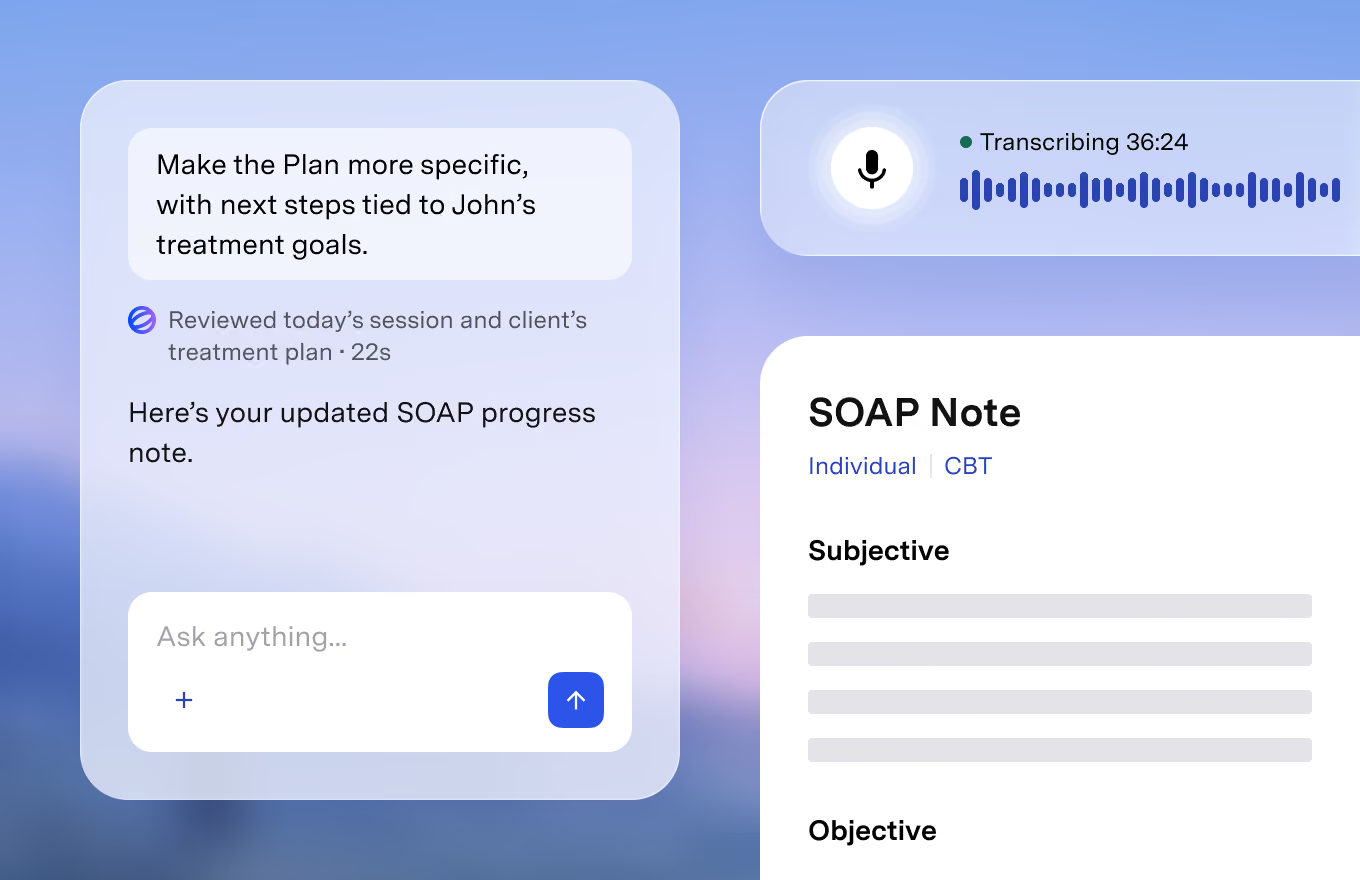
AI note-taking tools for therapists promise to turn a 50-minute session into a draft progress note in seconds. That can give back hours each week, but a scribe that listens to therapy sessions handles some of the most sensitive health information there is. Before you sign up, it is worth checking how the tool handles recordings and transcripts, what its Business Associate Agreement actually covers, how it charges, and how it fits your existing records. This guide walks through what to compare.
Start with your own obligations
A vendor's compliance claims cannot replace your own. Before comparing tools, write down what applies to your practice:
- HIPAA status: if you are a covered entity, any vendor that creates, stores or transmits protected health information for you needs a BAA.
- State law and licensing boards: some states have stricter confidentiality rules for mental health records, and some boards have issued guidance on recording sessions or using AI in documentation.
- Informed consent: decide how you will tell clients that sessions are recorded or summarized by AI, and what you will do if a client declines.
- Employer, group or payer policies: group practices, agencies and insurance panels may have their own rules on approved software.
When in doubt, ask your professional association, malpractice insurer or a healthcare attorney. The answers will shape which tools are even on your shortlist.
Read the BAA, not just the badge
Nearly every therapy AI tool says it is "HIPAA compliant". That phrase has no official certification behind it, so look at the paperwork:
- How the BAA is formed: some vendors include it automatically in their terms of service when you sign up; others send a separate document to sign. Find out whether you can get a countersigned copy for your records.
- Breach notification: check how and when the vendor must tell you about a security incident.
- Subprocessors: most tools send audio to a transcription service and text to a large language model provider. Ask which companies those are and whether the vendor has BAAs with them.
- Independent audits: a SOC 2 Type II report is a meaningful signal that controls were tested over time. Ask whether the vendor will share the report.
Follow the data: audio, transcripts and drafts
The biggest differences between tools are in what they keep. Ask three questions:
- Is recording required? Some tools also accept dictation or a typed summary, which is useful for clients who do not consent to recording.
- What happens to the audio? Look for a clear statement of whether audio is deleted after transcription or stored, and for how long.
- What happens to the transcript? Transcripts often contain far more detail than the final note. Some tools keep them by default so you can regenerate notes; others delete them after the note is created. Find out whether you can switch on automatic deletion, and remember that anything retained may be subject to client access requests or subpoenas.
Also confirm whether client data is used to train AI models, where data is stored, and whether everything is encrypted in transit and at rest.
Check how notes reach your record
A good draft is only useful if it ends up in the right chart with little friction. Compare:
- Standalone tools that work next to your EHR usually ask you to copy the finished note across. That is simple but adds a step per session.
- Integrated tools write directly to the chart, which saves time but may require switching your whole practice to that vendor's EHR.
- Note formats: check support for the formats you use (SOAP, DAP, BIRP and so on), treatment plans, and letters, and whether you can build custom templates.
- Review step: the tool should keep AI output as an editable draft until you approve it. You remain responsible for every signed note, so budget time to read and correct drafts.
Compare pricing models over a typical month
Therapy AI tools are priced in three main ways, and the cheapest depends on your caseload:
- Per session: you pay for each documented session, often by prepaying credits. This suits part-time or variable caseloads. Check for minimum purchases and whether credits expire or top up automatically.
- Flat monthly subscription: predictable, and usually better value for full caseloads. Check whether there is a session cap.
- Annual or enterprise contracts: common for group practices, often with volume discounts but longer commitments and renewal notice periods.
Work out your real cost by multiplying your average monthly sessions by the per-session price and comparing it with the monthly plans. Add any extra fees for payment processing, insurance claims or eligibility checks if the tool also runs billing. For one example of per-session pricing next to an all-in-one EHR option, see our Blueprint review.
Trial it the right way
Most tools offer free sessions or a free trial. Use it deliberately:
- Test with dictated or role-played sessions first, before using it with clients, if your consent process is not yet in place.
- Compare the drafts against notes you have written yourself for accuracy, tone and whether they invent details.
- Check how long it takes you to review and correct a draft; that is your real time saving.
- Before the trial ends, find out how to cancel, how to turn off automatic top-ups, and how to export or delete your data.
- Read the refund policy and any money-back guarantee terms in writing.
A quick checklist
- List your HIPAA, state, licensing board and consent obligations
- Get the BAA and confirm how it is signed and what it covers
- Ask which subprocessors handle audio and text, and whether they are under BAAs
- Confirm whether audio and transcripts are stored, for how long, and whether auto-delete exists
- Confirm client data is not used for model training
- Check how notes get into your EHR and which formats are supported
- Compare per-session and monthly pricing against your actual caseload
- Note minimum purchases, auto-renewal or auto-replenish, and refund terms
- Review every AI draft before it becomes part of the record