How to Write a Resume That Gets Past Applicant Tracking Systems (What to Check)
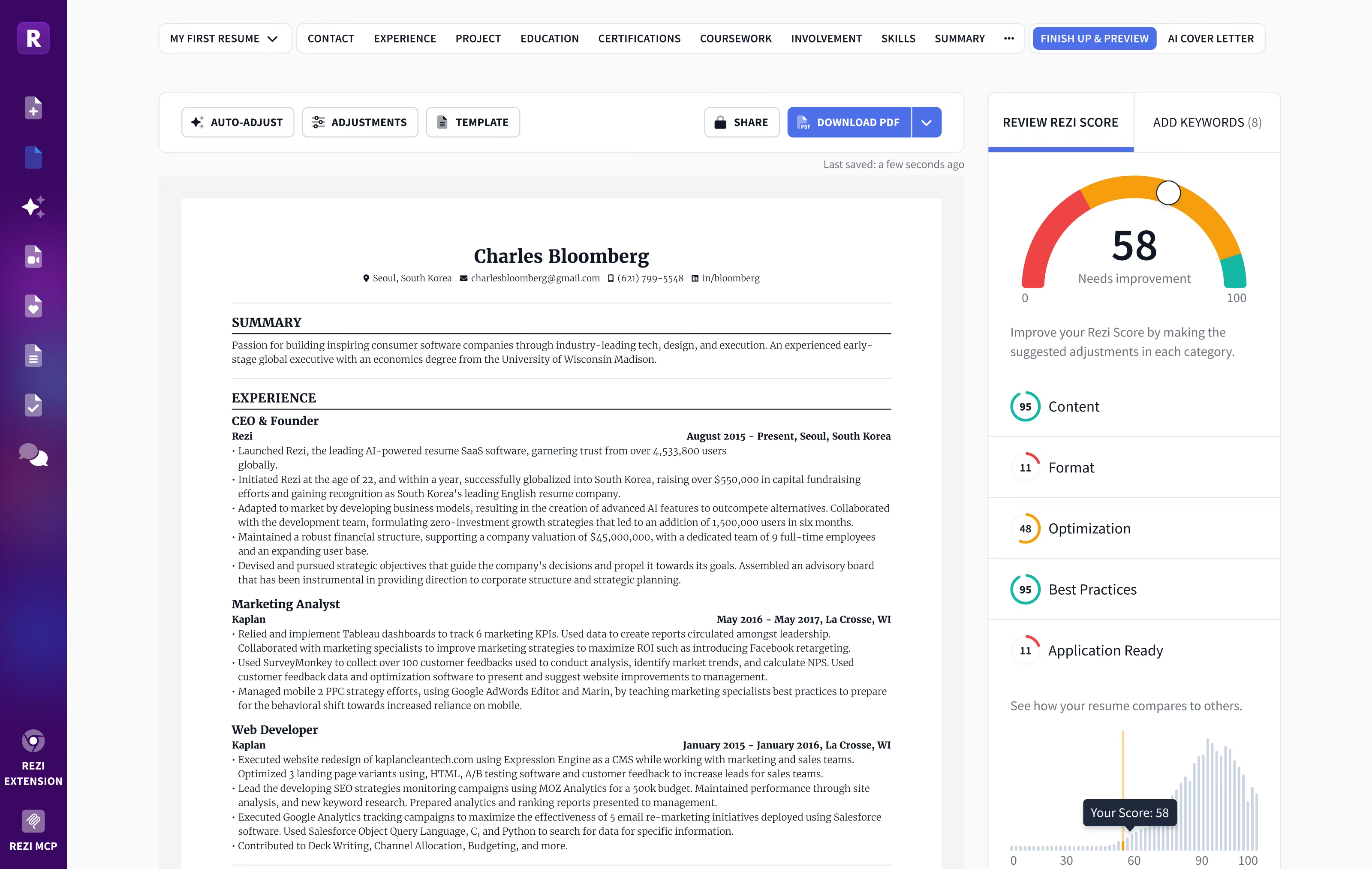
Most large employers, and many small ones, collect applications through an applicant tracking system (ATS). The software stores your resume, pulls out your details into a candidate profile, and lets recruiters search and filter candidates by keywords, job titles and qualifications. A resume that the software cannot read cleanly, or that does not use the language of the job posting, can be harder for a recruiter to find. The good news is that the fixes are mostly about clear formatting and honest, specific wording. This guide covers what matters and what is myth.
Understand what an ATS actually does
An ATS is mainly a database and workflow tool. When you apply, it parses your resume into fields such as name, contact details, job titles, employers, dates, education and skills. Recruiters then search or filter that database, and some systems rank candidates against the job's requirements. Some employers also add knockout questions to the application form, such as work authorization or required licenses.
Two things follow from this. First, the software has to be able to read your file. Second, a human usually makes the decision, often after searching for specific terms. Your resume has to work for both: parseable for the system and convincing for the person who opens it.
Use a format the software can read
Parsing problems come from layout more than content. To keep your resume readable:
- Use a simple, single-column layout with clear section headings like "Experience", "Education" and "Skills". Multi-column designs can be read in the wrong order.
- Avoid tables, text boxes, graphics and icons for important information. Skill bars and logos carry no readable text.
- Keep contact details in the body, not in the document header or footer, which some parsers skip.
- Use standard fonts and plain bullet points.
- Write dates consistently, such as "Mar 2022 to Present", so the system can calculate experience.
- Submit the file type requested. A text-based PDF or a Word .docx are the usual options; never upload a scanned image.
Name your file clearly, for example "Jane-Smith-Resume.pdf", rather than "resume-final-v3.pdf", because recruiters see the file name when they download it. Keep a short, separate skills section with the tools, software and certifications you genuinely use, grouped sensibly (for example "Data: SQL, Python, Tableau"), and avoid rating your own skills with stars or percentages, which mean nothing to a parser or a recruiter. If you have a professional certification or license the posting asks for, spell out its full name and the issuing body.
A quick test: copy all the text from your PDF and paste it into a plain text editor. If it comes out jumbled, missing or in the wrong order, a parser may struggle too.
Match the language of the job description
Recruiters search for the skills and titles in their job posting, so mirror that wording where it is true for you:
- Read the posting and highlight hard skills, tools, certifications and the job title itself.
- Use the exact terms where they apply. If the posting says "project management", do not only write "led initiatives".
- Include both the acronym and the full term once, such as "search engine optimization (SEO)".
- Put the most important skills in your summary and in the bullet points where you used them, not only in a skills list.
- Never add skills you do not have. Keyword stuffing, white text and copied job descriptions are easy for a recruiter to spot and can disqualify you.
Write bullet points that persuade a human
Once your resume is found, a person reads it, usually quickly. Strong bullet points share a pattern: an action verb, what you did, and a result with a number where possible.
- Weak: "Responsible for social media accounts."
- Stronger: "Grew Instagram followers from 4,000 to 15,000 in 12 months by moving to a three-posts-a-week content calendar."
Keep bullet points to one or two lines, put the most relevant achievements first, and cut duties that every person in the role would list. A focused one-page resume works for most early-career roles; two pages are normal for experienced candidates.
Tailor without starting over each time
Applying to many jobs makes tailoring feel impossible, but you rarely need to rewrite everything. Keep a master resume with every role, project and achievement, then for each application adjust the title line, summary, top skills and the order of bullet points. Resume builders with keyword-matching tools can speed this up by comparing your resume with a pasted job description; for one example with plan prices and limits, see our Rezi review. Whatever tool you use, read the final version yourself; AI suggestions can add generic phrases or keywords that do not reflect your experience.
Myths to ignore
- "75% of resumes are rejected by robots." This widely repeated figure has no clear source. Most rejections come from people reviewing many applicants, knockout questions or a poor match.
- "You need a special ATS template." Any clean, simple layout works; you do not need to pay for a template to be readable.
- "Any tool can guarantee you pass the ATS." Employers configure their systems differently. Readable formatting and relevant content improve your odds; nothing guarantees an interview.
A quick checklist
- Single-column layout with standard section headings
- No key information in tables, text boxes, images, headers or footers
- Consistent date format and a standard font
- Text-based PDF or .docx, whichever the employer asks for
- Paste-to-text test passes cleanly
- Job title and key skills from the posting appear where they are true for you
- Bullet points start with action verbs and include results or numbers
- Resume tailored for each application from a master version
- Proofread by you, not just by software